
Why the Chick-fil-A App is a Game Changer
The Chick-fil-A app has revolutionized how customers experience America's favorite chicken restaurant. By combining seamless mobile ordering, exclusive rewards, and convenient payment options, the app saves you time while earning you free food and special treats.
With over 50 million downloads and counting, the Chick-fil-A app has become an essential tool for regular customers and newcomers alike. Whether you're grabbing a quick breakfast before work, ordering lunch for the office, or planning a family dinner, the app makes every Chick-fil-A visit faster, easier, and more rewarding.
If you're new to Chick-fil-A or want to explore the full menu before ordering, check out our complete Chick-fil-A restaurant menu guide. You can also find a nearby Chick-fil-A restaurant through the app's location services.
Key Features That Make the App Essential
The Chick-fil-A app packs powerful features designed to enhance your dining experience from start to finish. Here are the standout capabilities that make it a must-have:
Why Regular Users Love the App
- Time Savings: Mobile orders can save 5-10 minutes during peak hours
- Order Accuracy: Customize exactly what you want without miscommunication
- Rewards Value: Regular users typically earn $50+ in free food annually
- Convenience: One-tap reordering of favorite meals saves decision time
- Exclusive Access: App-only deals and early menu item releases
How to Download and Get Started
Getting started with the Chick-fil-A app is quick and easy. Follow these simple steps to begin enjoying faster ordering and earning rewards:
Download the Chick-fil-A App Today
Available for both iOS and Android devices
Download and Install
Search "Chick-fil-A" in your device's app store or use the links above. The app is free to download and requires iOS 13.0+ or Android 7.0+.
Create Your Account
Sign up with your email address or use Apple/Google sign-in for faster registration. You'll need to verify your email to activate rewards.
Add Payment Method
Securely save your credit/debit card or link to Apple Pay/Google Pay for faster checkout. All payments are encrypted for security.
Start Earning Rewards
Make your first purchase through the app to begin earning points toward free food and exclusive member benefits.
Chick-fil-A One Rewards: Maximize Your Points
The Chick-fil-A One rewards program is built directly into the app and offers one of the most generous loyalty programs in fast food. Here's how to make the most of it:
Rewards Tiers and Benefits
Chick-fil-A One features three membership tiers that unlock increasingly valuable benefits as you earn more points:
- 1 point per $1 spent
- Birthday reward
- Mobile ordering
- Basic offers
- All Member benefits
- 1.1 points per $1 spent
- Bonus point challenges
- Silver-only offers
- Early menu access
- All Silver benefits
- 1.15 points per $1 spent
- Red member events
- Priority customer service
- Surprise treats
- Exclusive merchandise
Pro Tips for Maximizing Rewards
- Always scan first: Make sure to scan your app QR code before paying to ensure points are credited
- Complete challenges: Look for special point challenges in the app for bonus rewards
- Use on catering: Large catering orders can earn significant points quickly
- Check for double points: The app occasionally runs double points promotions
- Redeem strategically: Save points for higher-value redemptions rather than small treats
If you're planning a larger gathering, check out our guide to Chick-fil-A Catering to maximize your points earning potential.
Mastering Mobile Ordering
Mobile ordering through the Chick-fil-A app is the fastest way to get your food, especially during busy periods. Here's how to make the most of this feature:
Ordering Process Step-by-Step
- Select your location: Choose your preferred restaurant and pickup method (drive-thru, counter, curbside, or delivery)
- Build your order: Customize every detail from sauces to cooking preferences
- Choose pickup time: Select "ASAP" for immediate preparation or schedule for later
- Checkout securely: Use your saved payment method for fast, contactless payment
- Pick up your order: Follow the specific instructions for your chosen pickup method
Pickup Options Explained
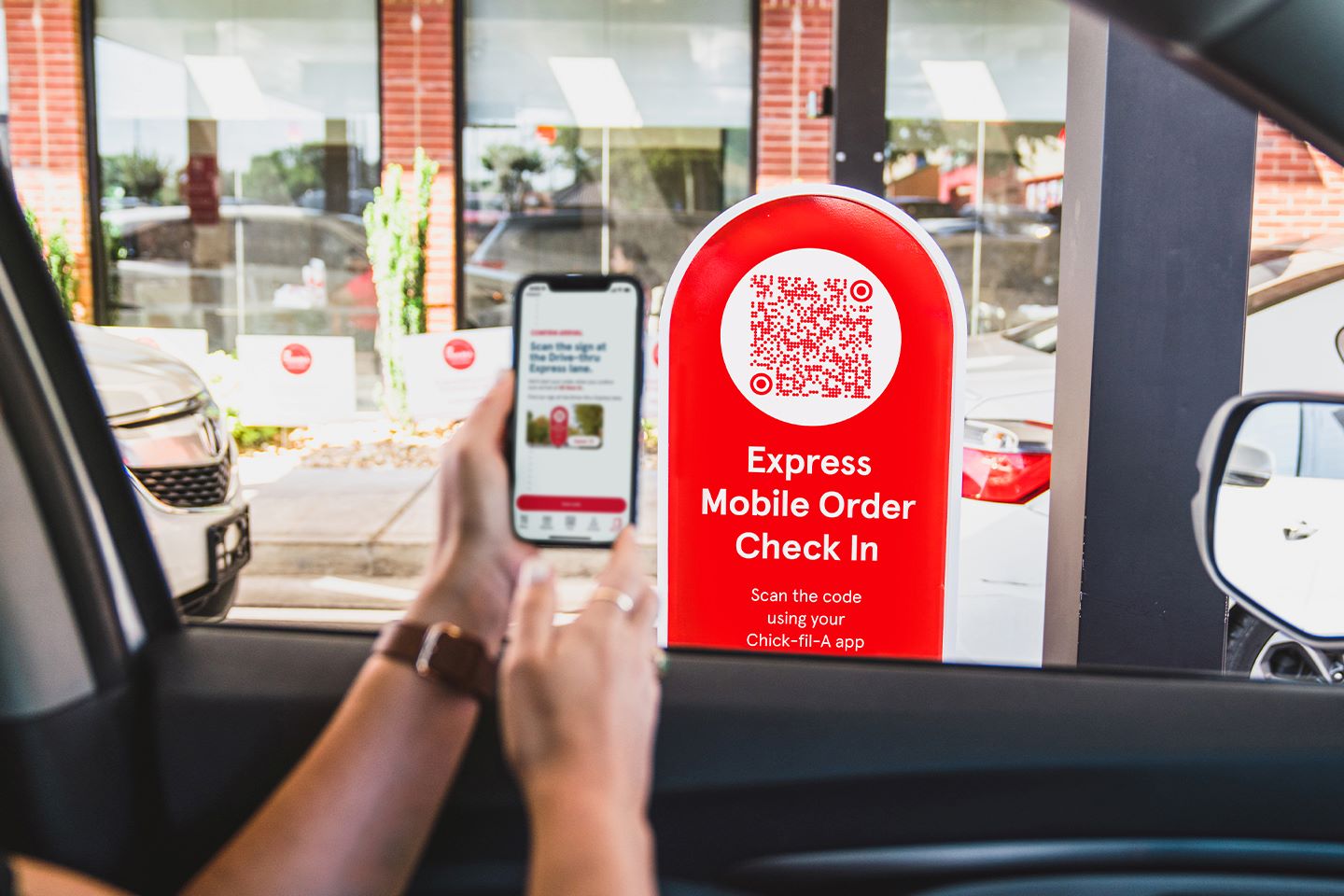
"Using the Chick-fil-A app for mobile ordering has cut my lunch break time in half. I place my order while walking to my car and it's ready when I arrive. The dedicated mobile order drive-thru lane is a game-changer during busy times." - Regular Chick-fil-A App User
For the complete menu options available for mobile ordering, explore our Chick-fil-A Breakfast Menu guide and Chicken Sandwich overview.
Common App Issues and Solutions
While the Chick-fil-A app is generally reliable, here are solutions to common issues users may encounter:
Frequently Asked Questions
- Points not showing up? Make sure you scan before paying and allow up to 24 hours for points to appear
- App crashing? Update to the latest version or reinstall the app completely
- Payment declined? Check that your payment method is current and has sufficient funds
- Can't log in? Use the "Forgot Password" feature or contact customer support
- Order not ready? Check your confirmation email for estimated ready time and allow for busy periods
- Missing rewards? Ensure you're signed into the correct account and check your tier status
Getting Help
If you encounter persistent issues with the Chick-fil-A app:
- Contact Chick-fil-A Customer Care through the app's help section
- Visit the Chick-fil-A website for additional support resources
- Speak with team members at your local restaurant for order-specific issues
- Check the app store for recent updates that may address your issue
Transform Your Chick-fil-A Experience
The Chick-fil-A app represents the perfect combination of convenience, rewards, and technology that enhances every aspect of your Chick-fil-A visits. From skipping long lines to earning free food through the Chick-fil-A One rewards program, the app delivers tangible benefits that improve with regular use.
Whether you're a occasional visitor or a dedicated fan who enjoys the Waffle Fries & Mac & Cheese combo weekly, downloading the app is one of the smartest moves you can make. The time savings alone during peak hours make it worthwhile, while the rewards program essentially pays you to use your favorite chicken restaurant.
If you haven't already, download the Chick-fil-A app today and start enjoying faster service, exclusive offers, and well-earned rewards. Your first mobile order will demonstrate exactly why millions of customers have made the app an essential part of their Chick-fil-A experience.